

AI Scene Treatments
Turn your lyrics, mood, and concept into a structured scene plan before you generate.
Upload your track and TrackScene Studio turns it into a cinematic, lyric-synced music video with AI-generated scenes, audio-first timing, and export-ready formats for YouTube, TikTok, Reels, and release promos.
Powered by best-in-class models
FROM TRACK TO RELEASE ASSET
TrackScene Studio helps plan scenes, generate visuals, time captions, and export platform-oriented assets — with options to review, edit, and regenerate along the way.
Turn your lyrics, mood, and concept into a structured scene plan before you generate.
Auto-transcribe or upload lyrics, style captions, and add optional opening title cards with song title, artist name, or release branding.
Scenes and clips follow your song's structure, lyrics, rhythm, and emotional shifts.
Choose still-image quality and motion models to balance speed, quality, and credit use.
Generate HD motion previews, add optional visual FX like film grain, glow, light leaks, or glitch, then export polished videos for release-ready use.
Generate music videos, lyric clips, intro title cards, Shorts, Reels, Spotify Canvas-style loops, thumbnails, and promo visuals from one project.
A full music video from upload to download in under 15 minutes on average.
How it works
Create a main release video, vertical clips, Canvas-style loops, thumbnails, and promo drafts from one song workflow.
Bring an MP3, WAV or a streaming link. We transcribe and time the lyrics automatically.
Choose an aspect ratio, a visual style anchor, and the models you want to generate with.
TrackScene Studio writes a treatment for every section and generates each shot with state-of-the-art models.
Synced lyrics, smooth cuts, HD AI motion, 4K export render. Or generate platform-ready assets for Spotify, TikTok, YouTube, Apple Music and more — each cut to the right duration, aspect and format.
Showcase
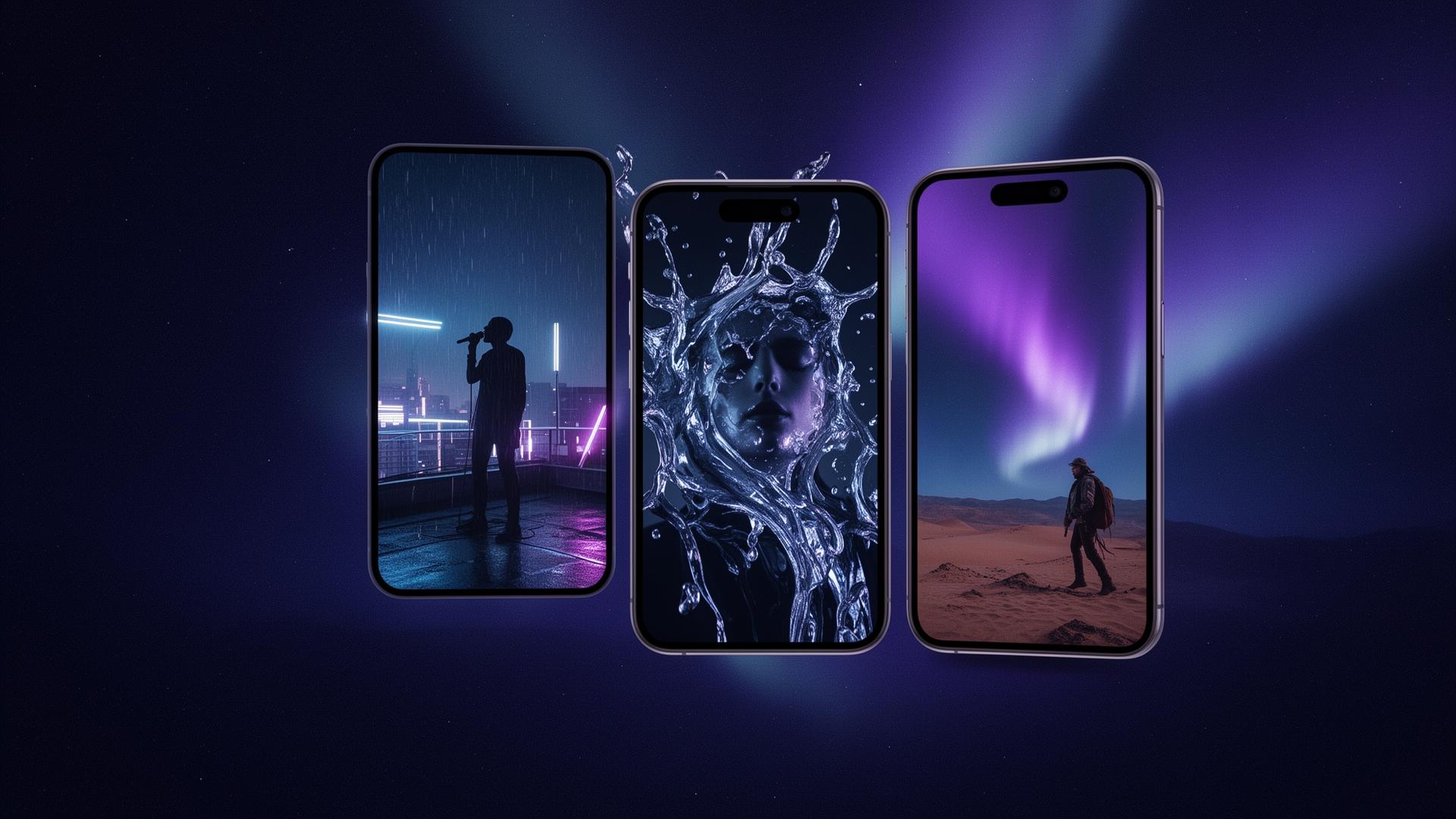
Preview cinematic scene styles and lyric-overlay treatments created for finished TrackScene videos. Your final export brings them together with your track, timing, captions, motion, and release-ready formats.


Pricing
Credits are used for AI stills, motion clips, transcription, and creative generation. See the credit cost of every model before you generate.
FAQ
TrackScene Studio helps turn one uploaded song into a release video pack. Depending on your plan and settings, this can include a cinematic lyric video, still-motion visuals, vertical clips for Shorts/Reels/TikTok, Canvas-style loops, thumbnails, and promo draft assets.
TrackScene Studio focuses on release-ready music visuals: cinematic AI scenes, still motion, lyric-timed captions, transitions, and release assets. Optional motion features are available on supported plans, with Full Scene Motion treated as an advanced beta feature.
Still Motion uses generated scene images with cinematic pan, zoom, transitions, captions, and timing. It is the recommended default because it is faster, lower cost, and more consistent than animating every scene.
Yes. TrackScene Studio can help you create a full music video, short clips, lyric captions, intro title cards, optional FX, and promo-ready visual assets from the same project.
No. Release asset presets are designed to create platform-oriented clips, loops, teasers, and promo drafts. Platform requirements may change, and some assets may still need review, editing, resizing, or finalisation inside the relevant platform, distributor, or artist tool.
Yes. Outputs from your sessions are yours to publish, monetize, and distribute under the terms of the underlying model providers.
Join the artists, labels, and creators shaping cinematic release visuals with TrackScene Studio.